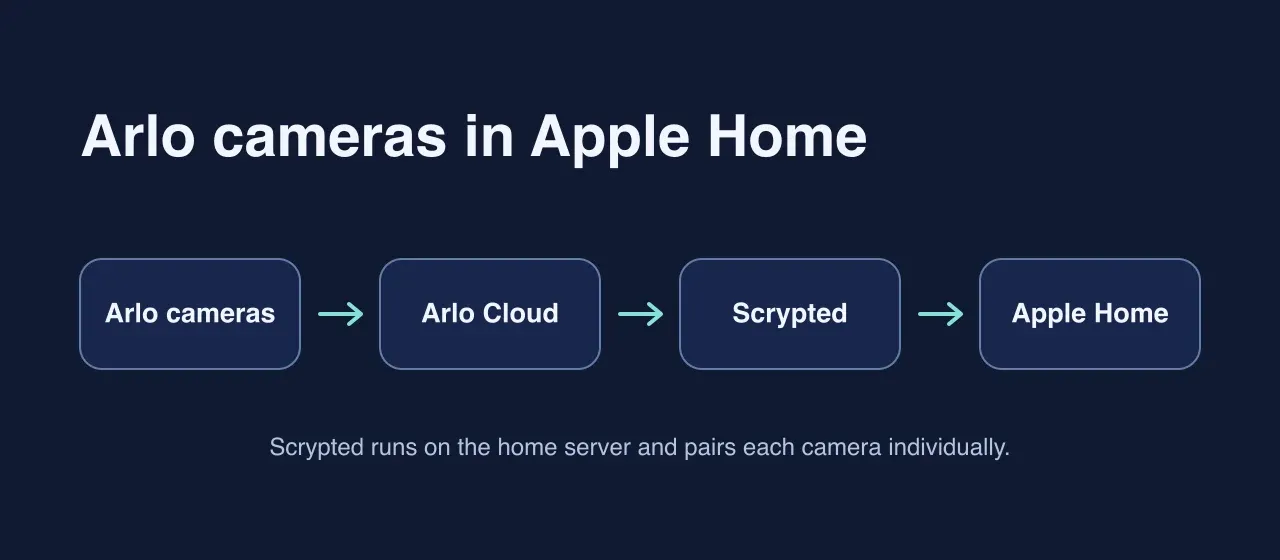
After adding our Nest thermostat to Apple Home, I wanted our Arlo doorbell and three battery-powered Pro 4s in the same app. Arlo’s built-in integration requires a hub for these models. Ours connect directly to Wi-Fi, so I ran Scrypted in Docker alongside Homebridge.
Pairing the cameras
I installed Scrypted’s Arlo and HomeKit plugins and signed into Arlo. I started with the doorbell, enabled Standalone Accessory Mode, and scanned its individual QR code in Apple Home.
Home said the accessory wasn’t reachable. My Mac could discover the doorbell, but Scrypted was advertising an internal Docker address. I set Scrypted Server Addresses to the server’s wired LAN address and HomeKit → Network → mDNS Interfaces to Server Address. After I reloaded the HomeKit plugin, the doorbell paired. Scrypted pairing troubleshooting
Keeping previews without keeping cameras awake
For the Pro 4s, I chose Stream when home and away, kept persistent prebuffering off, and enabled Eco Mode in Scrypted. Disabling snapshots gave me black “Privacy Mode” tiles, so I turned them back on with a five-minute snapshot throttle.
Scrypted reuses a recent preview during that window. It fetches a fresh one when a request comes in after the cache expires. Arlo plugin snapshot code
With Apple Home and the Scrypted camera pages closed, the logs showed no snapshot requests from the three battery cameras for about 40 minutes. When I reopened Home, all three logged a request in the same second, and several follow-up requests used cached images.
That’s one afternoon of logs. I’ll keep the previews on and see how often the cameras need charging.