A free screen saver for macOS
A little world
in motion.
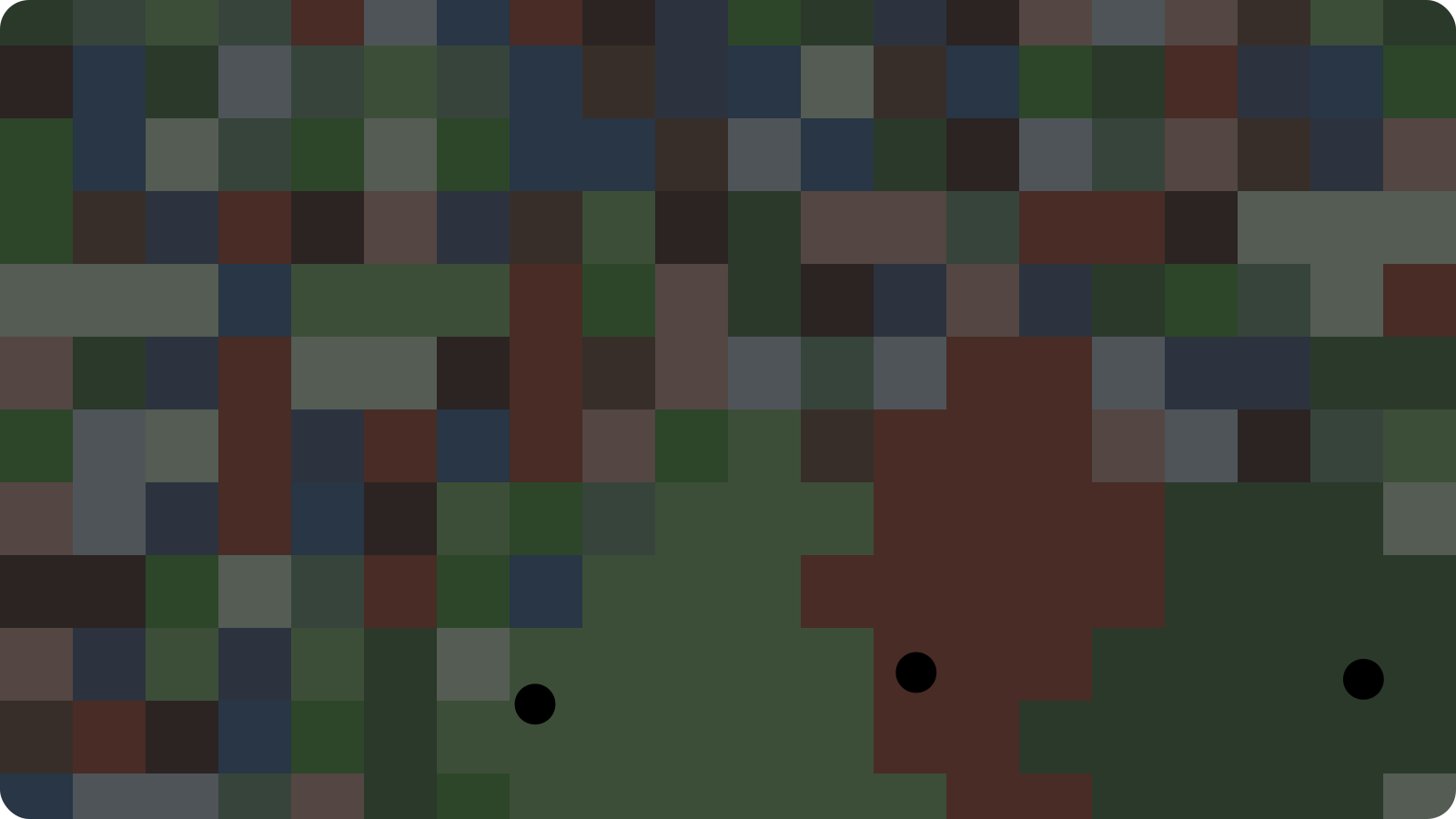
Three bouncing balls take over a world of color.
v1.0.0 · macOS 12+ · Apple Silicon & Intel
Not notarized by Apple. macOS may block these builds. Opening help
Install
Screen saver: Unzip, open RegionBounce.saver, then select it under Screen Saver in System Settings (System Preferences on older Macs).
Mac app: Unzip, move RegionBounce Preview.app to Applications, and open it.
Blocked by macOS?
Only open downloads you trust. Follow Apple’s opening instructions, or build from source.